Rustic Wedding Seating Chart Template
A free, editable Canva seating chart template designed for rustic, barn, and outdoor weddings. Customize it in minutes, print it, or pair it with the Simplify Tables app to share by QR code.
If you're planning a rustic wedding — barn, vineyard, outdoor, or anything in between — this seating chart template is built to feel right at home next to wood signage, eucalyptus garlands, and mason-jar centerpieces. It's free, fully editable in Canva, and pairs naturally with the Simplify Tables app if you'd rather share assignments by QR code than print a giant board.
What's in the template
- Wood-grain background with a soft, slightly worn texture — works for barn weddings, vineyard receptions, and outdoor ceremonies under string lights.
- Editable headline with a hand-lettered serif font that matches typical rustic invitation suites.
- Sage and warm-cream accent palette that you can swap to terracotta, dusty blue, or burgundy with one click.
- Flexible table layout — accommodates 8 to 25 tables in the default grid; add or remove blocks as needed.
- Built for QR codes — there's a designated space at the bottom for the QR code from your Simplify Tables seating chart, so guests can scan instead of squinting.
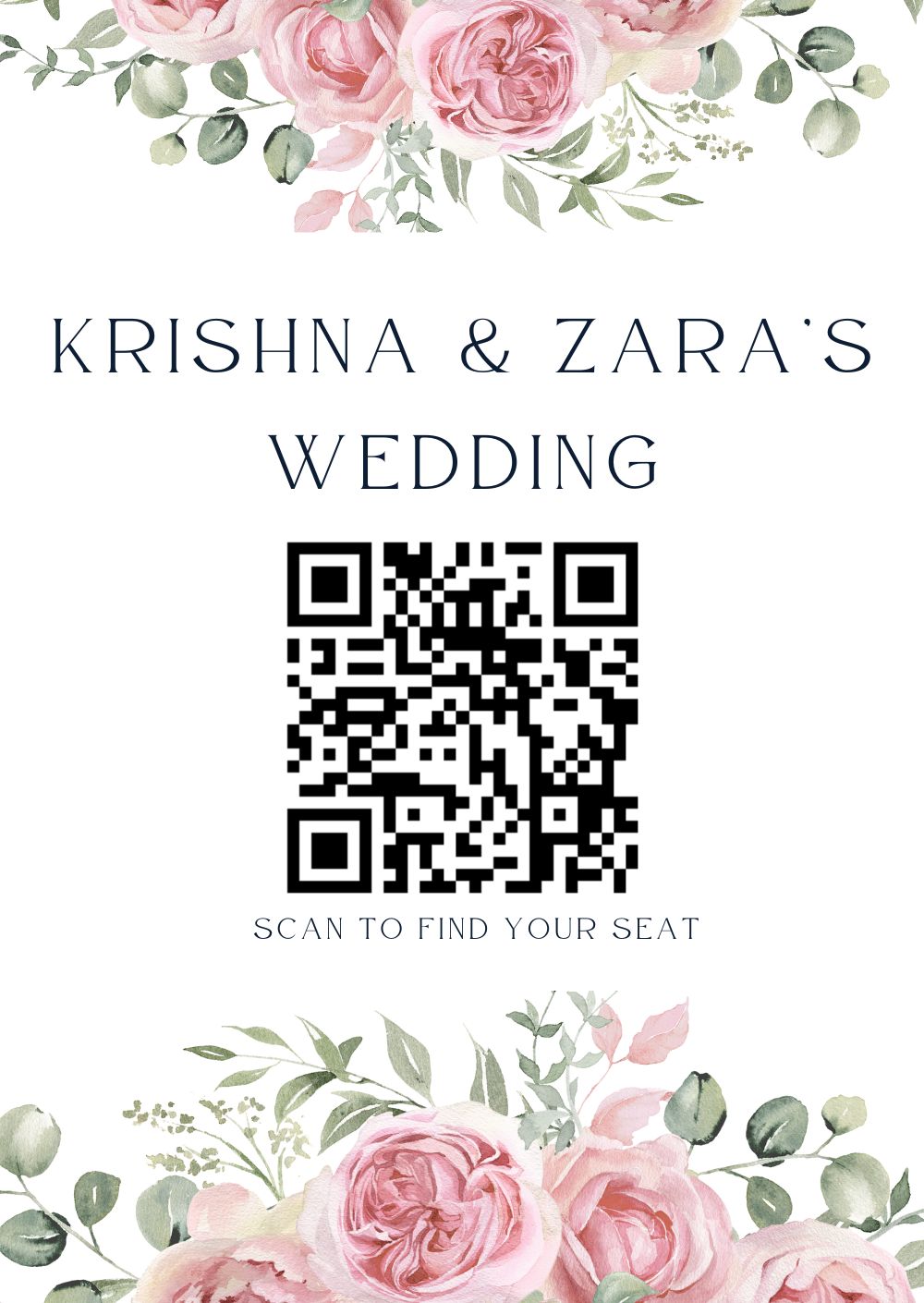
Open the rustic template in Canva — free, editable, yours to customize.
How to personalize it in five minutes
- →
Open the template in Canva
Click the Canva link above. If you're not already signed in, Canva will prompt you — the free tier is enough. Click "Use template" and a new editable copy will appear in your Canva account.
- →
Update the headline
Replace "The [Couple] Wedding" with your own names and date. The default font is hand-lettered; if it doesn't match your invitation suite, swap it for one that does — Canva's free tier has dozens of rustic-feel options.
- →
Replace the QR code
Build your seating chart in the Simplify Tables app, copy the QR code, and paste it over the placeholder QR at the bottom of the template. That's the whole guest-list step — no typing names into table blocks, no reprinting if someone moves. The printed chart shows your headline; the QR shows everyone where to sit, with real-time updates if anything changes day-of.
- →
Download and print
Export from Canva as a PDF (Print) for sharp printing, or PNG for digital. A3 or A4 prints at home; A1 or A2 needs a print shop. Most local shops accept Canva PDFs directly.
Why pair it with the seating planner
A printed seating chart is beautiful. It's also frozen — the moment someone cancels, you've got a chart with a wrong name on it.
The Simplify Tables app solves this. Your printed Canva chart shows the names of the couple and the welcome message; the QR code on the chart points to a live seating plan that updates in real time. If someone moves to a different table at the rehearsal dinner, you update the app — and the QR code still works, no reprint needed.
It's the best of both: the printed chart sets the mood, the digital chart handles reality.
Print sizing reference
| Format | Dimensions | Best for |
|---|---|---|
| A1 | 23.4 × 33.1 in | 150+ guests, welcome-table display |
| A2 | 16.5 × 23.4 in | 80–150 guests, easel display |
| A3 | 11.7 × 16.5 in | Up to 80 guests, table cards or small-display |
| A4 | 8.3 × 11.7 in | Print at home, or for the couple's reference |
| Digital | 1080 × 1920 | Phone-friendly view via QR code |
Pairs well with
This template works especially well alongside our 60-inch round table sizing guide — together they cover the two most common questions a rustic-wedding planner runs into: how many tables do I need, and how do I make a chart that doesn't look like a spreadsheet?
Frequently asked
Is this template really free?
Yes. Open the Canva link, click 'Use template,' and you'll have your own editable copy in your Canva account at no cost. Canva's free tier covers everything you need to customize and download this template.
Can I print it at home?
Yes — A3 or A4 will print on a standard home printer. For larger sizes (A2 and up) most local print shops can print the file directly from a Canva PDF export.
How do I switch from a printed chart to a QR code?
Skip the print step. Build your seating chart in the Simplify Tables app, generate a QR code, and add the QR to the bottom of the Canva template. Guests scan and see their assigned table — and any updates you make are reflected in real time.
Can I change the fonts and colors?
Yes. The template uses Canva's free fonts and an editable color palette. Change the headline font, swap the wood-grain background for kraft paper, or switch the green accents to terracotta for a warmer rustic feel.
What size should I print for a 200-guest wedding?
A1 (about 24×33 inches) is the standard for welcome-table seating charts at events of 150 or more. Anything smaller and guests at the back of the line can't read the names from a few feet away.
Use this template with the Simplify Tables app
Pair the template with the seating planner to drag guests onto tables, share by QR code, and update in real time.
Start planning free